

This is an old revision of the document!
Assign Pricing Points and Zones to Contracts
After defining your Pricing Points and Zones, and assigning a freight differential to each, you select the desired values for each Contract on the Contract window:
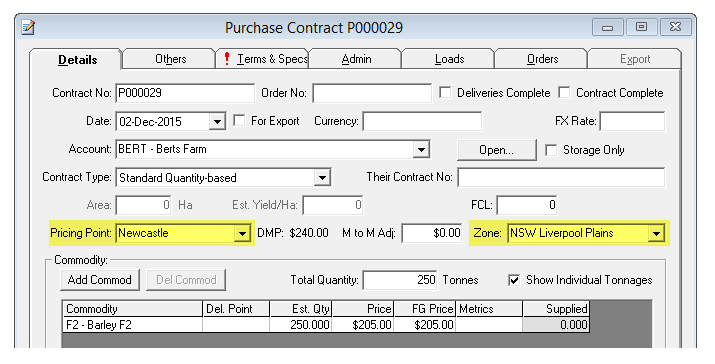
Notice that, if the Daily Market Price has also been set up with (at least) a Base Commodity and price, the current Daily Market Price for the selected Pricing Point and Zone is displayed on the Contract window. You can also define a per-contract Mark-to-Market adjustment value to be included in the reporting calculation if you wish, using the text box also available on the Contract window.
Contracts that are marked as “Storage Only” are omitted from Mark to Market reporting.
