

This is an old revision of the document!
Taxable Payments Annual Reporting
Grain Trader supports the generation of a file containing details of payments made to road freight service providers to be uploaded to the Australian Taxation Office to comply with Taxable Payments Annual Reporting (TPAR) legislation.
If you are not sure whether the TPAR requirements apply to you, or you need any more information about TPAR, please contact your accountant or tax advisor.
Note that strict data requirements are enforced by the ATO, so your supplier data needs to be complete and correct, including their Business Names Register legal name.

Enabling TPAR
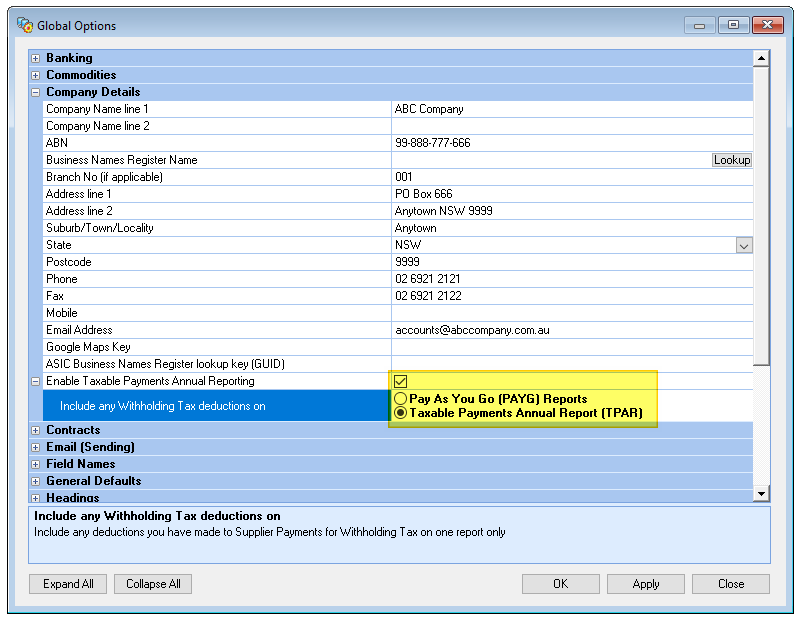
If you will be providing TPAR reports to the ATO, tick the option “Enable Taxable Payments Annual Reporting” on the Company Details branch of the Global Options window and select the option you will be using to report Withholding Tax deductions.
When you enable TPAR you will be prompted whether to update all suppliers who are marked as carriers by flagging them to include on TPAR reports:
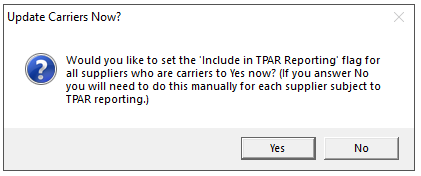
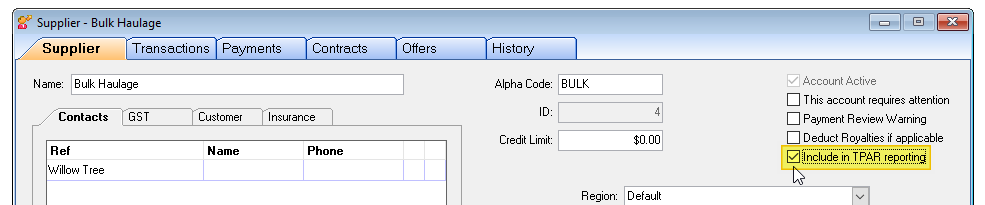
This is an opportunity to update all carriers at once so it's a good idea to click Yes, otherwise you'll need to update each applicable carrier individually. If after answering Yes you want to exclude individual carriers from TPAR reports you can de-select them using the checkbox Include in TPAR reporting on the Supplier tab of the Supplier window:
Generating Your TPAR Upload File
TPAR reporting is implemented by the ATO as an electronic upload, although a manual submission is also possible. You should contact the ATO to obtain details and procedures for uploading your report files.
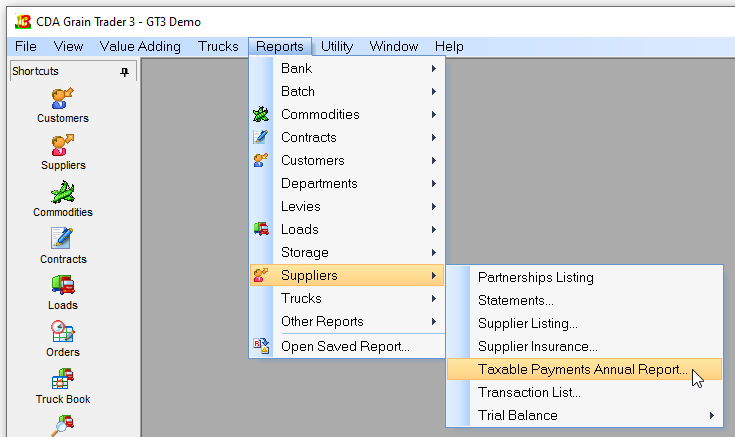
You access the reporting functionality through the Reports | Suppliers | Taxable Payments Annual Report menu:
which will display the Taxable Payments Annual Reporting window:
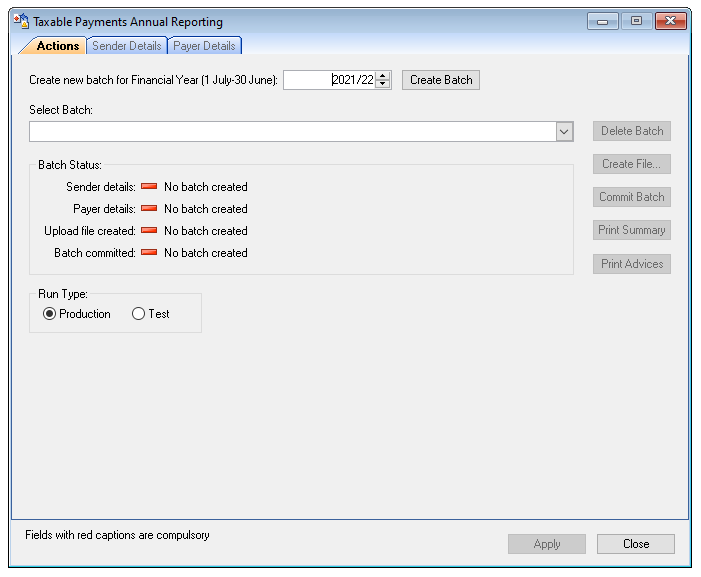
Select the Financial Year you are reporting on from the selection box and click Create Batch. This extracts the required data from your supplier payment records in readiness for reporting. Notice however the icons and details in the Batch Status panel and on the tabs: the exclamation marks indicate where you haven't yet provided enough information to create the upload file:
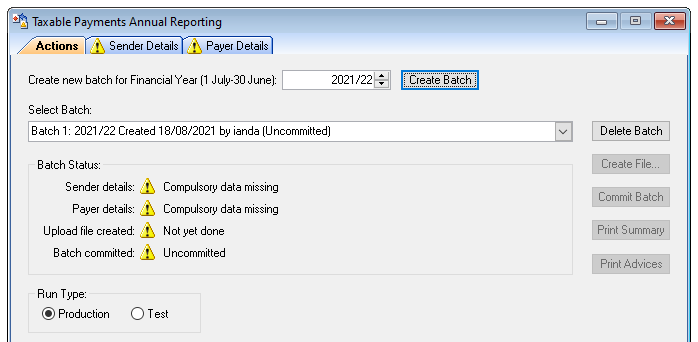
Note also the Run Type panel: normally you would select the Production radio button. The Test option flags the output file as being for testing purposes only when uploading to the ATO.
In accordance with the ATO specifications, you can upload TPAR files more often than the required once per year if you wish; only new or amended data will be included. You can also generate an optional summary report for your own records and optional Payee Statements to send to your suppliers.