

Where Can I Send SMS Messages From?
Authorised users can send SMS Messages from anywhere they see the SMS button:  , including the following places:
The Utility | Send SMS Message menu:

The Contacts panel, or the Offers or Bids tab, on the Supplier or Customer window:


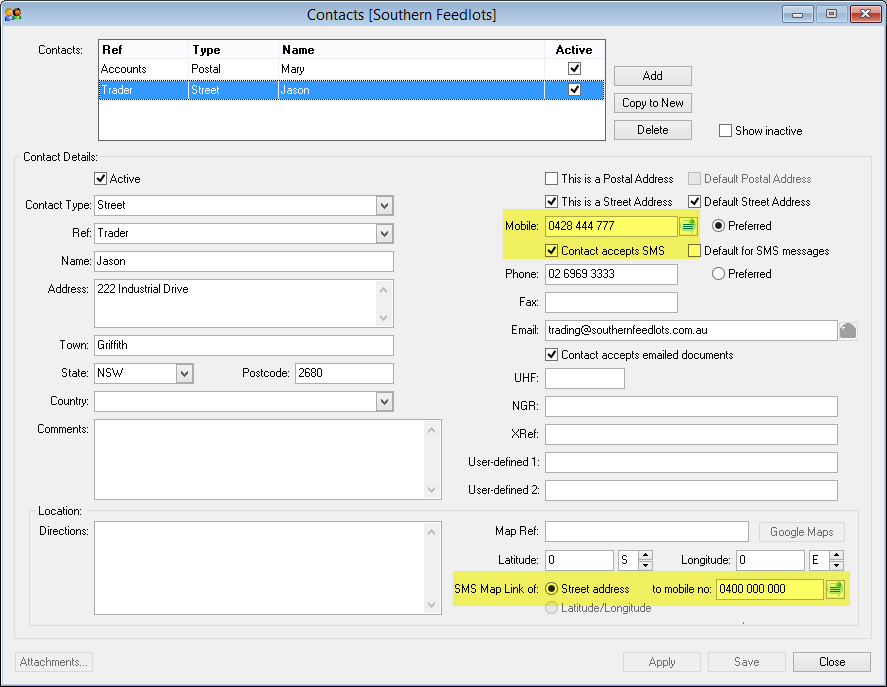
The Contact Details panel or Location panel (for a Street Address or Latitude/Longitude map link) on the Contact window:
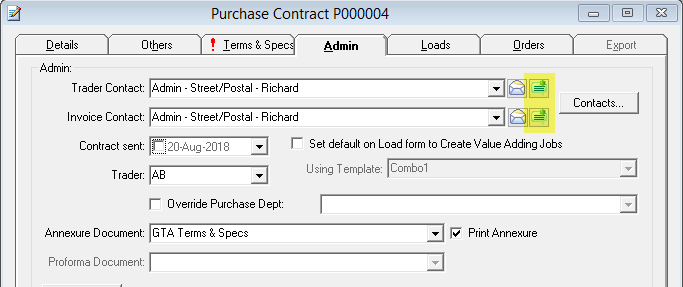
The Others or Admin tabs of the Contract window:

The Source, Destination or Carrier tabs of the Load window:


To the Truck or the default SMS contact for the Carrier from the Truck window:

One or multiple Suppliers, Customers, Carriers or Trucks from the Truck Book window:

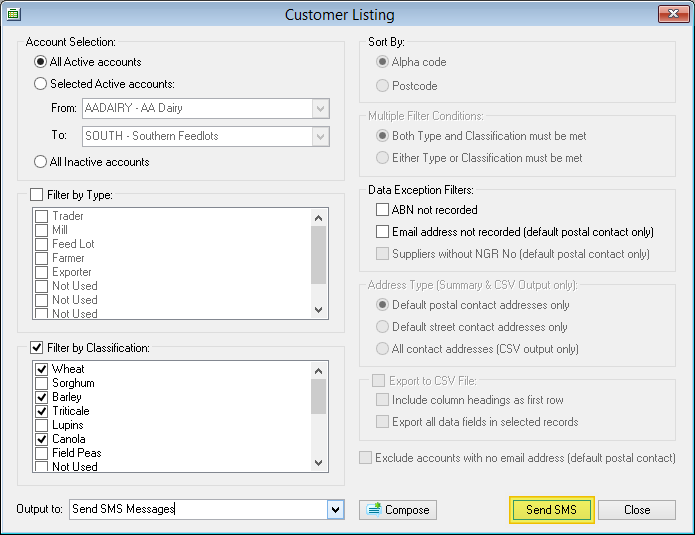
The same message to multiple Suppliers or Customers from the Supplier or Customer Listing window:
Next: Configuring SMS Messaging →
